WinPlug Taskbar
Windows taskbar on your Mac
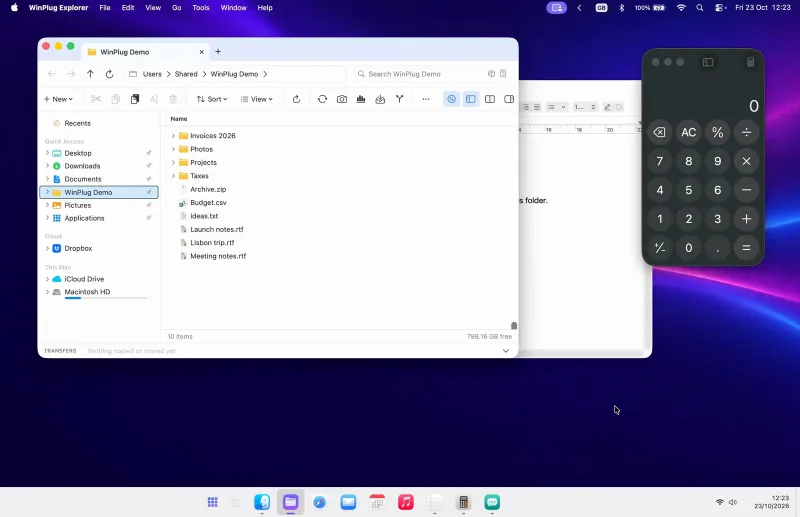
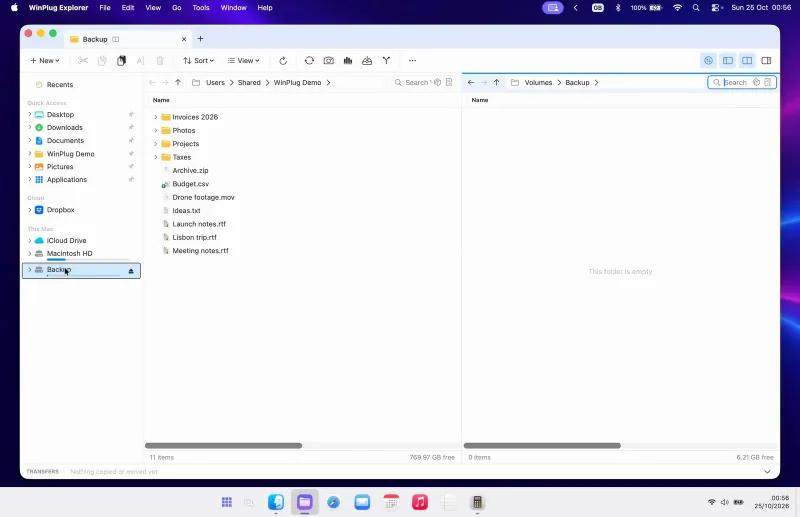
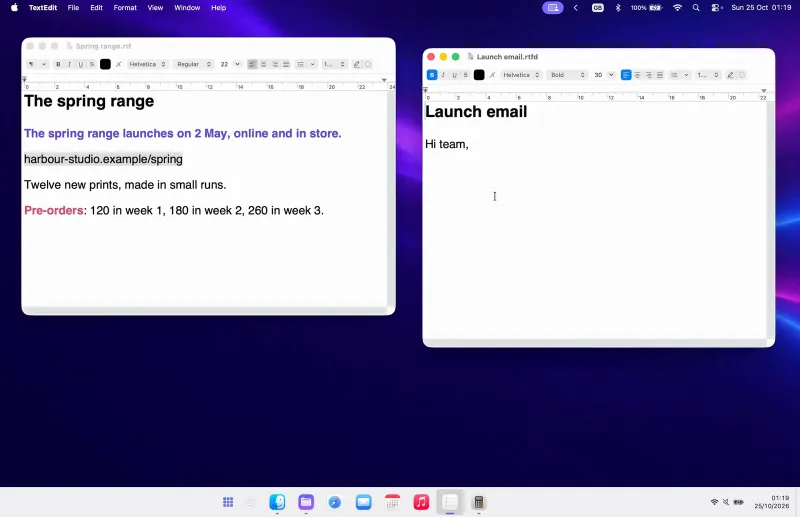
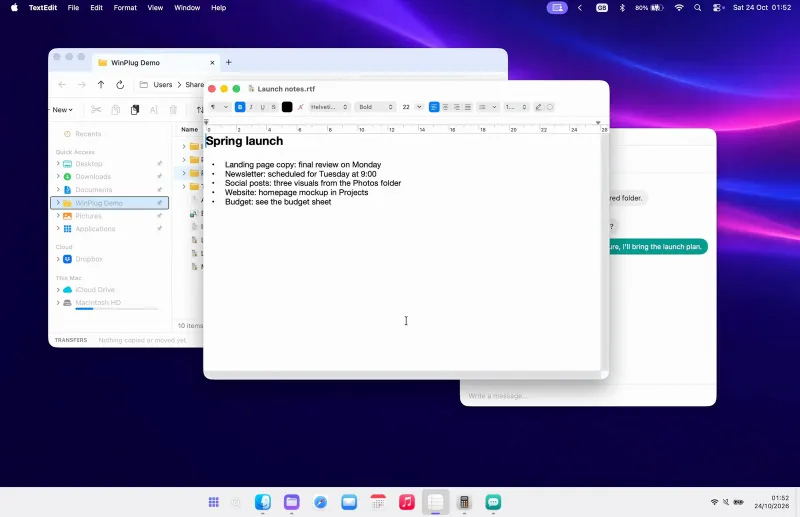
Every window one click away, live previews on hover, a Start menu that finds and calculates, and a clock that keeps your latest captures. Full width or floating, your choice.
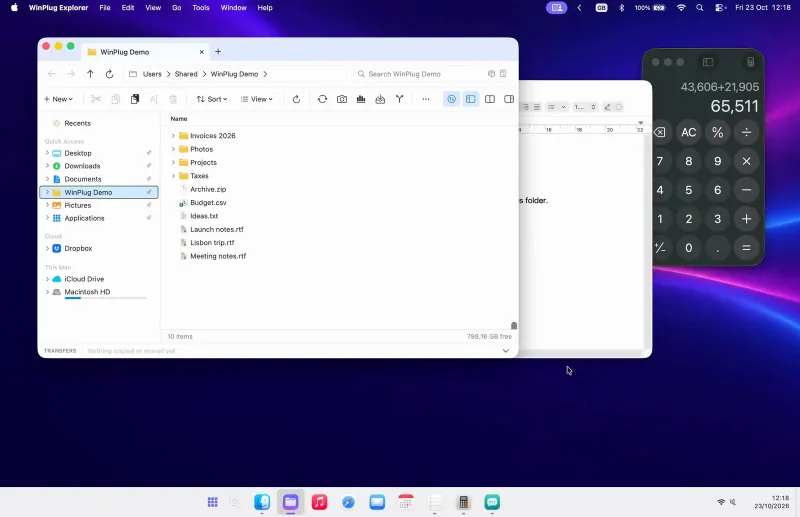
Open and minimize. Click an icon and its window opens. Click it again and it tucks back into the bar.
Switch apps. One click brings any app to the front. As an option, Win + a number jumps straight to it.
Arrange your icons. Drag an icon to a new spot. The others make room, and it stays where you drop it.
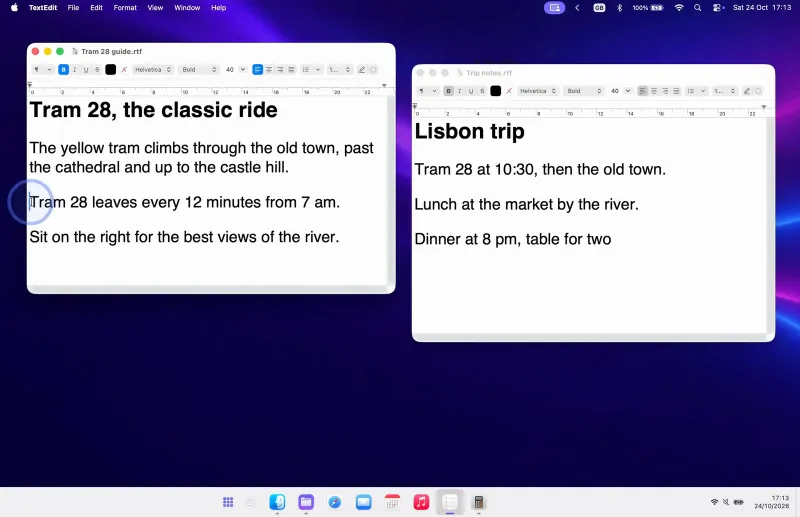
Previews and Peek. Hover an icon to see all its windows. Glide over one to Peek at it full size, or close it from there.
Other desktops. Windows on your other desktops show up too. Click one and you’re there.
Badges you won’t miss. When an app needs you, its icon glows orange and a red badge counts what’s new.
A Start menu that answers. Type to find apps, files and settings. Type a sum and the answer is already there.
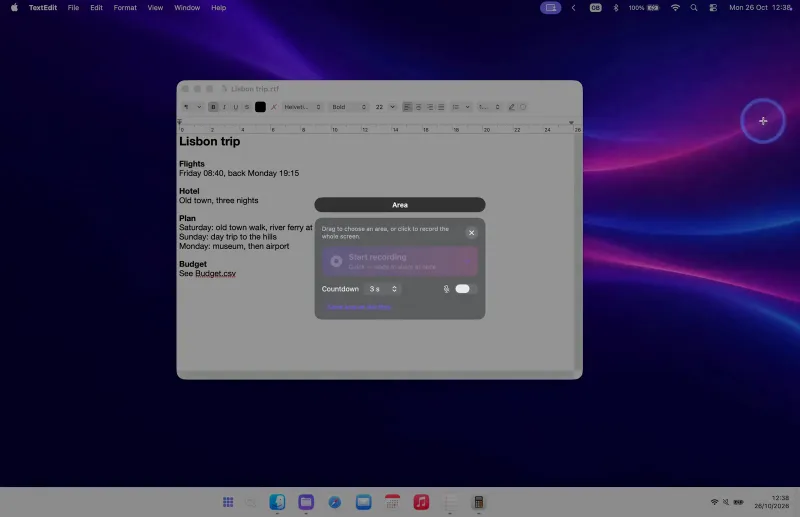
Clock and captures. Click the clock for your calendar, with your latest captures on top. Hover one to see it big.
Notification center. Notifications wait above the calendar, with a count by the clock. Swipe one away to the right, or click its ✕.
Quick settings. Click the tray for quick settings. Mute, dim the screen, turn on Do Not Disturb or dark mode in one click.
Show the desktop. Click the corner at the right end of the bar and every window steps aside. Click again and they’re back.
2 styles. Full width like Windows, or floating like a Mac. Pick one of 5 themes, or keep the Mac’s glass look.
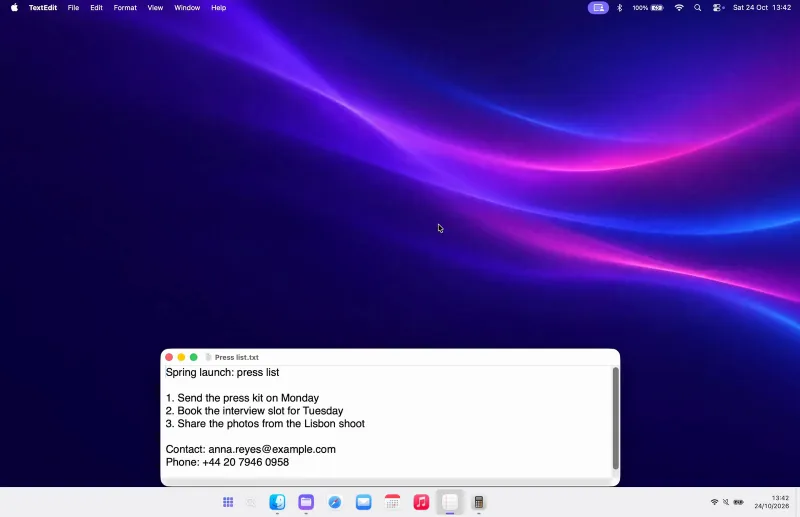
Hide the menu bar. As an option, hide the Mac’s menu bar: it comes back when you touch the top. A filled window stops above the taskbar.
Auto-hide. Let the bar slide away until you need it. Touch the bottom of the screen and it’s back.
A tidy menu bar. Tuck the icons at the top of the screen behind one arrow. Click it again to bring them back.
Jump lists. Right-click an icon for its recent and pinned files. One click opens the one you need.
Press Enter to see this feature in detail on its page.

- On a Mac, the Dock shows your apps, not your windows. With WinPlug, every window gets its own button.
- On a Mac, clicking an app won’t minimize it. With WinPlug, click again to minimize it.
- On a Mac, windows hide behind one icon. With WinPlug, hover an icon to see each window.
- On a Mac, there’s no Start menu. With WinPlug, a Start menu finds apps and files.
- On a Mac, a hidden Dock hides its badges. With WinPlug, icons glow when an app needs you.
- On a Mac, notifications hide behind the date. With WinPlug, a swipe clears a notification.
- On a Mac, sound and brightness hide up top. With WinPlug, mute or dim from the taskbar.
- On a Mac, there’s no show-desktop button. With WinPlug, one click shows the desktop.