Mac tips for Windows users
Shortcuts, settings and quick fixes for anyone switching from Windows to a Mac, and how WinPlug lets you keep your Windows habits on your Mac.
Mac vs Windows: What Windows Still Does Better
Mac vs Windows, honestly: Macs win on battery life and the Apple ecosystem, Windows on the taskbar, Alt + Tab and snapping. Here's how to get those on a Mac.
Alt+F4 on a Mac: How to Close a Window or Quit an App
The Mac's Alt+F4 is Command + W, which closes the front window. To quit the whole app, press Command + Q. Here's every way, and how to keep Alt + F4 itself.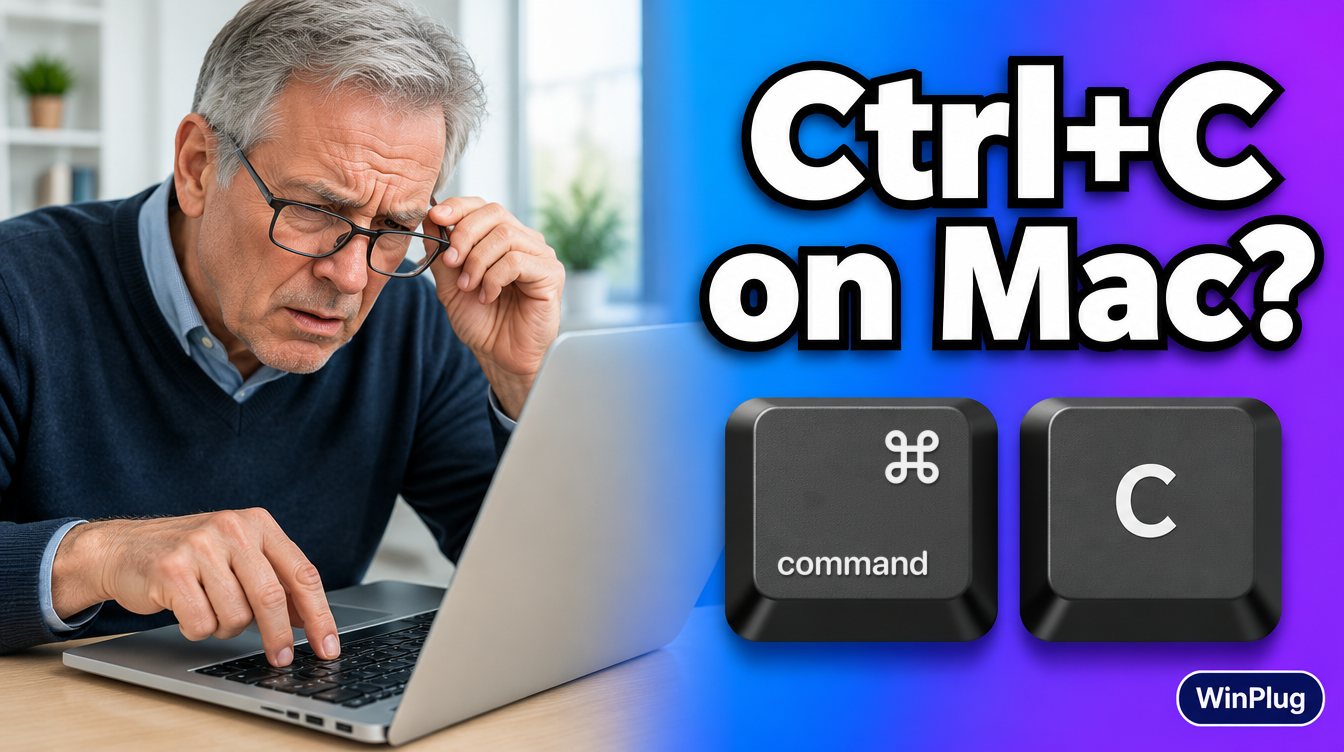
How to Copy and Paste on a Mac
On a Mac, copy is Command+C and paste is Command+V, not Ctrl. Cut is Command+X. How to copy, cut and paste text and files, and paste without formatting.
How to Ctrl+Alt+Delete on a Mac
On a Mac, Ctrl+Alt+Delete is Command+Option+Esc: it opens Force Quit, and Activity Monitor is the task manager. Or keep your Ctrl+Alt+Del with WinPlug.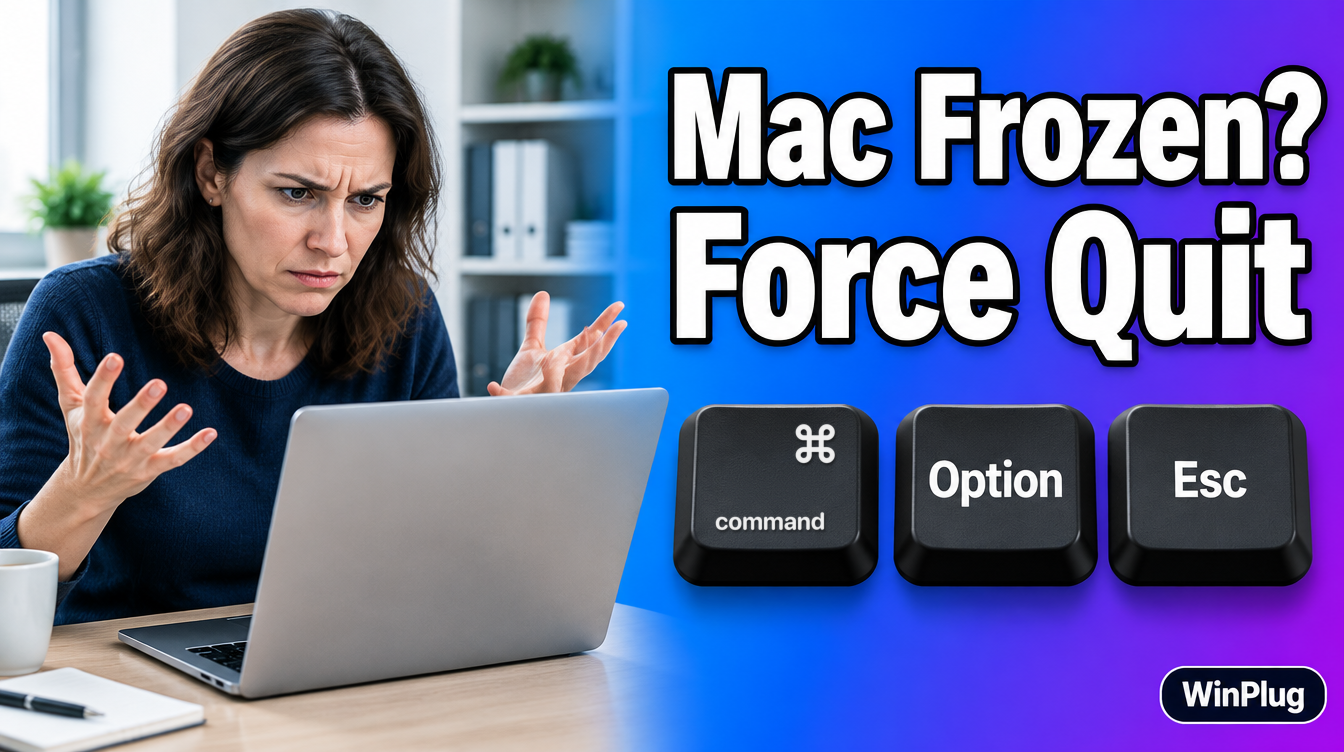
How to Force Quit on a Mac
To force quit on a Mac, press Command+Option+Esc, select the frozen app and click Force Quit. You can also use the Apple menu, the Dock or Activity Monitor.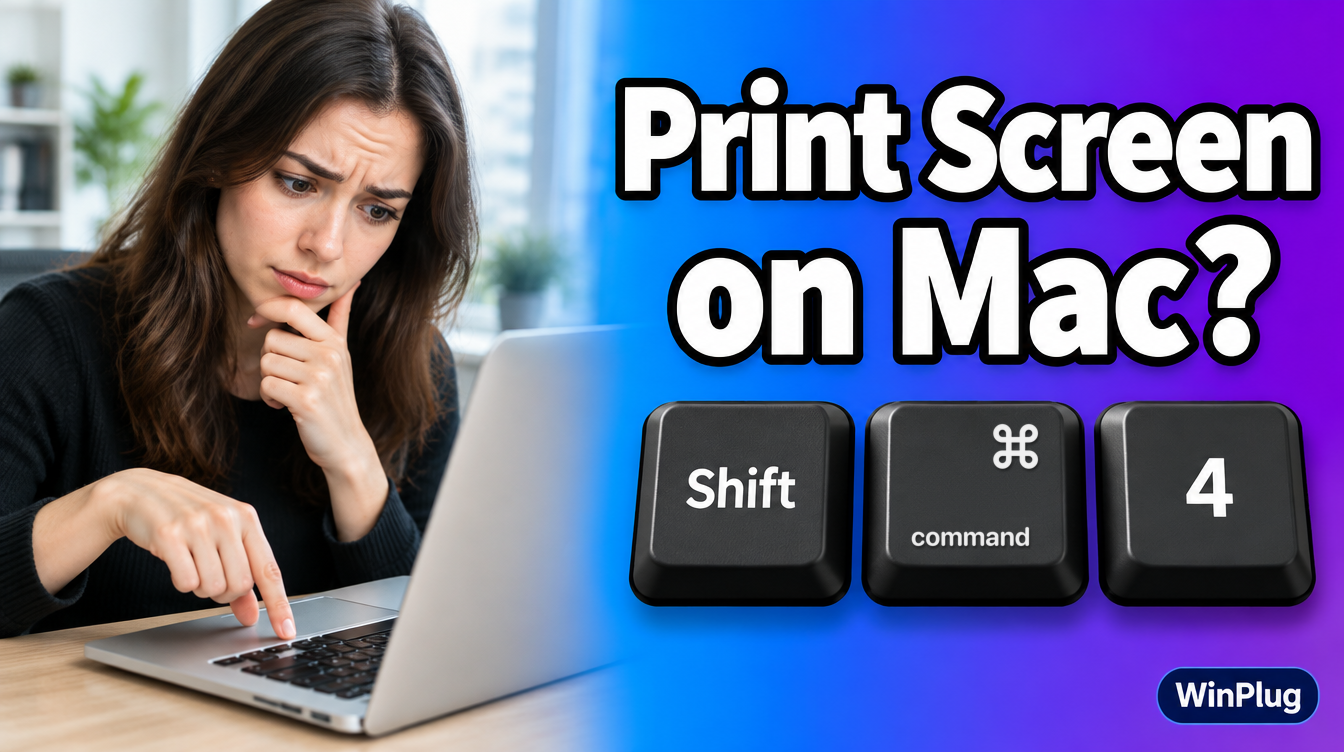
How to Screenshot on a Mac
To screenshot on a Mac, press Shift+Command+3 (whole screen), Shift+Command+4 (part) or Shift+Command+5 (all options). No Print Screen key? Here's how.
How to Split Screen on a Mac
To split screen on a Mac, hover over a window's green button and pick a tile, or drag the window to the screen's edge. Here's every way, plus Win + arrows.
How to Switch Between Windows on a Mac
To switch between windows on a Mac, press Command + Tab for apps and Command + ` for windows of the same app, or open Mission Control to see them all at once.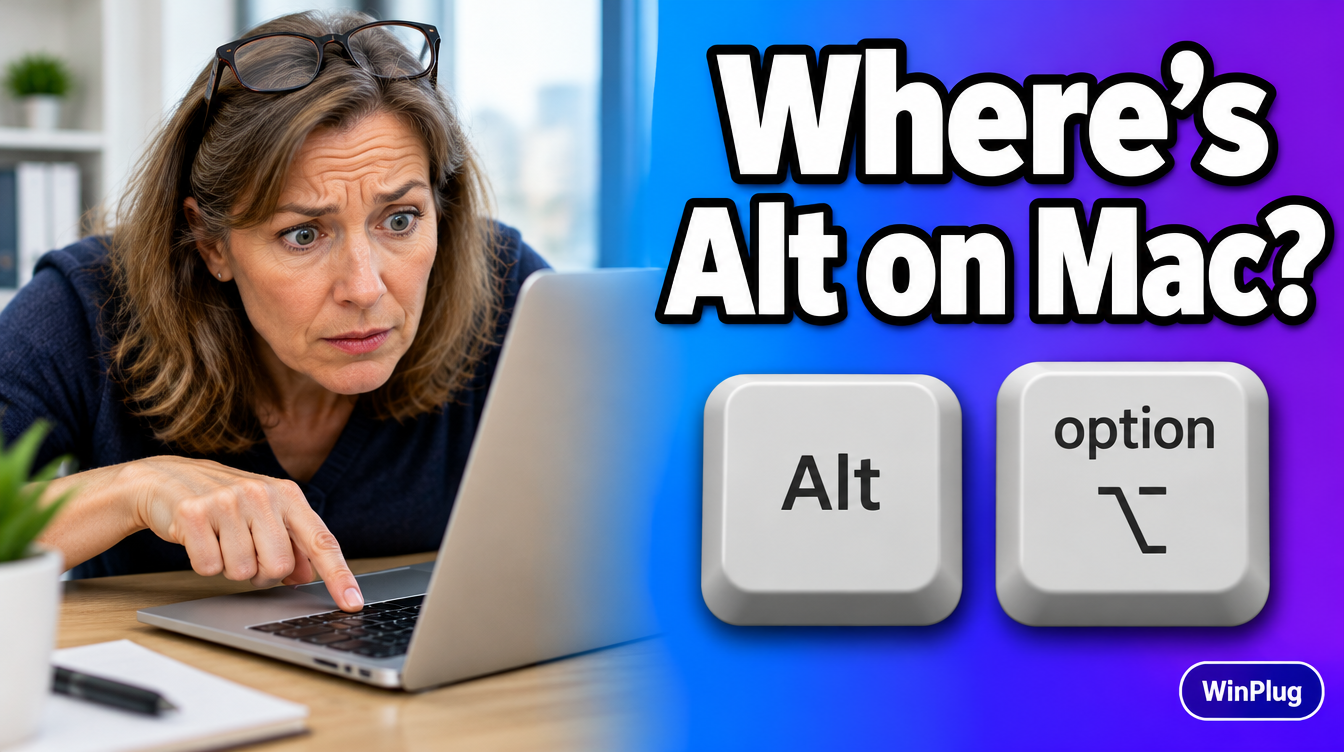
Where Is the Alt Key on a Mac?
The Alt key on a Mac is Option (⌥), next to Command. Here's what it does, the Mac versions of your Alt shortcuts, and how to keep Alt + Tab and Alt + F4.
Where Is the Clipboard on a Mac?
On a Mac, Edit > Show Clipboard in the Finder shows what you copied. On macOS Tahoe 26 or later, Command + Space then Command + 4 opens a clipboard history.